
If you’re searching for WHM help, chances are something on your server isn’t working the way it should.
Maybe a website is down. Perhaps you can’t access WHM or cPanel. You might be dealing with DNS problems, SSL errors, email issues, high server usage, a failed migration, or a WordPress website that suddenly stopped working.
Whatever the problem, WHM can be intimidating if you don’t manage servers every day.
At 247 WordPress Tech, we provide professional WHM and cPanel support for website owners, businesses, agencies, and organizations that need help managing their hosting environments.
In this guide, we’ll explain what WHM does, some of the most common WHM problems, and when it makes sense to get professional WHM help.
What Is WHM?
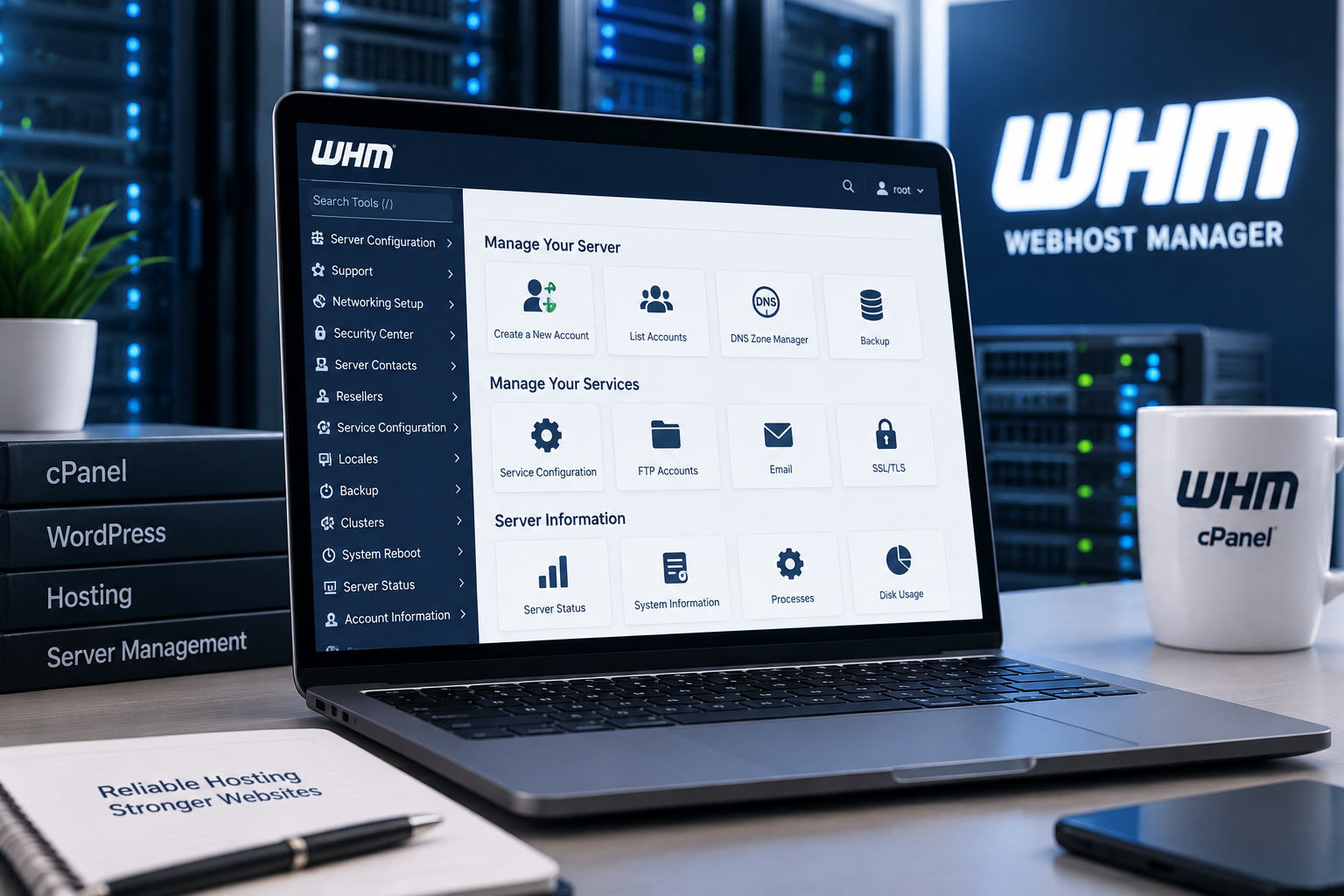
WHM stands for WebHost Manager.
WHM is commonly used alongside cPanel to manage web hosting servers and multiple hosting accounts. While cPanel provides tools for managing an individual hosting account, WHM operates at a higher level.
Depending on your hosting environment and permissions, WHM can be used to:
- Create and manage cPanel accounts
- Manage multiple websites
- Configure hosting packages
- Monitor server resources
- Manage DNS settings
- Install and manage SSL certificates
- Configure email-related settings
- Suspend or terminate accounts
- Manage backups
- Monitor disk usage
- Configure security settings
- Transfer hosting accounts between servers
This makes WHM extremely powerful, but it also means that changing the wrong server setting can potentially affect multiple websites.
Need WHM Help?
If you don’t want to troubleshoot your WHM server yourself, 247 WordPress Tech can help.
Our team works with WordPress websites, cPanel, WHM, DNS, SSL certificates, website migrations, backups, security, email configurations, and other common hosting issues.
Whether you need help with a single problem or ongoing server and WordPress support, we can investigate the issue and determine the best way to fix it.
Common WHM Problems We Can Help With
There are hundreds of settings available within a WHM environment, but some problems appear far more frequently than others.
Here are some of the most common reasons website owners look for WHM help.
1. WHM Login Problems
One of the simplest problems can also be one of the most frustrating: you can’t log into WHM.
WHM login problems can be caused by incorrect credentials, server configuration issues, firewall rules, IP restrictions, or problems with your hosting provider.
Before making server changes, determine whether the problem affects only your WHM account or whether the entire server is unreachable.
If you have access to your hosting provider’s control panel but not WHM, your hosting provider may also be able to confirm whether your server is online.
2. Website Down but WHM Is Working
Sometimes you can access WHM normally, but one or more websites on the server are unavailable.
This can point to several different problems, including:
- DNS configuration errors
- PHP errors
- WordPress errors
- Database problems
- Exhausted server resources
- Disk space problems
- SSL configuration errors
- Web server problems
- Account suspension
- Malware or compromised files
The first step is determining whether the outage affects one website, one cPanel account, or the entire server.
For WordPress websites, reviewing PHP errors, WordPress logs, server resources, and recent plugin or theme changes can often narrow down the cause.
3. cPanel Account Problems
WHM is commonly used to manage individual cPanel accounts.
If you are having problems with a particular website, you may need to review the corresponding cPanel account from within WHM.
Common cPanel problems include:
- Unable to access cPanel
- Incorrect account permissions
- Disk quota exceeded
- Website files missing
- Database connection errors
- Email accounts not working
- FTP access problems
- SSL certificate errors
- Domain configuration problems
At 247 WordPress Tech, we also provide dedicated cPanel support for businesses that need help managing individual hosting accounts.
4. DNS and Nameserver Problems
DNS issues are among the most common hosting problems because several different systems may be involved.
Your domain registrar, DNS provider, hosting server, CDN, email provider, and WHM configuration can all contain DNS records.
Common DNS problems include:
- Website pointing to the wrong server
- Incorrect A records
- Incorrect CNAME records
- Nameserver problems
- Email verification problems
- MX record issues
- DNS changes not appearing immediately
- Subdomains not resolving
If you recently migrated your website to a new server, DNS should be one of the first things you check when the website isn’t loading correctly.
5. SSL Certificate Problems
An SSL certificate allows your website to load securely over HTTPS.
When something goes wrong with SSL, visitors may encounter security warnings or browsers may refuse to display the website normally.
WHM and cPanel environments can experience SSL problems involving:
- Expired certificates
- Failed SSL installation
- AutoSSL problems
- Incorrect DNS records
- Domain validation failures
- Mixed-content errors
- Incorrect redirects
- Certificate hostname mismatches
Before manually replacing certificates, it is important to identify why the existing SSL configuration failed.
6. WordPress Problems on WHM Servers
A server can be operating normally while an individual WordPress website is broken.
Some of the WordPress problems we frequently troubleshoot include:
- WordPress critical errors
- White screens
- Plugin conflicts
- Theme errors
- Failed updates
- PHP compatibility problems
- Database connection errors
- Slow WordPress dashboards
- 500 errors
- Redirect loops
- Malware
- Broken WooCommerce websites
This is where working with a company experienced in both WHM and WordPress support can be particularly useful.
Instead of looking only at the server, we can troubleshoot the WordPress installation as well.
7. High CPU or Server Resource Usage
A slow website isn’t always a WordPress problem.
High server resource consumption can cause multiple websites on the same server to become slow or unavailable.
Possible causes include:
- Traffic spikes
- Inefficient WordPress plugins
- Bots and crawlers
- Malware
- Excessive database queries
- Cron jobs
- Backup processes
- PHP processes
- Poorly optimized websites
- Insufficient server resources
Simply upgrading the server isn’t always the best solution.
If one plugin, process, or compromised website is consuming excessive resources, moving to a larger server may only hide the underlying problem.
A proper investigation should identify what is using the resources and why.
8. WHM Email Problems
Email issues can become complicated quickly because email delivery depends on several different systems working together.
WHM-related email troubleshooting can involve:
- MX records
- SPF records
- DKIM
- DNS
- Mail routing
- SMTP configuration
- Server reputation
- Authentication
- Spam filtering
If website emails aren’t being delivered, the problem may also originate from WordPress rather than WHM.
For example, a WordPress website relying on PHP mail may benefit from being configured to use a proper SMTP or transactional email service.
9. WHM Backup and Restore Help
Backups are one of the most important parts of server management.
WHM environments may host several websites, making a reliable backup strategy especially important.
A good backup system should consider:
- Backup frequency
- Backup retention
- Off-server storage
- Database backups
- Website files
- Email data
- Restoration procedures
Most importantly, a backup isn’t particularly useful if you don’t know whether it can actually be restored.
If a website has already gone down, professional WHM help can also assist with identifying available backups and determining the safest restoration method.
10. WHM Migration Help
Moving websites between servers can involve far more than copying WordPress files.
A proper migration may involve:
- Website files
- Databases
- cPanel accounts
- Email accounts
- DNS records
- SSL certificates
- Cron jobs
- PHP configurations
- Redirects
- Server settings
Careful planning can minimize downtime and reduce the risk of losing data.
Before changing DNS, the migrated website should ideally be tested on the destination server.
11. WHM Security Help
Because WHM can control numerous hosting accounts, securing administrative access is extremely important.
Server security can include reviewing:
- Root access
- Administrator accounts
- Password security
- Firewall configuration
- Brute-force protection
- Software updates
- Malware
- Suspicious accounts
- File permissions
- SSH access
- Backups
If you believe a server or WordPress website has been compromised, avoid making random changes before understanding the extent of the incident.
Removing visible malware does not necessarily address the vulnerability that allowed the compromise to happen.
12. WHM Disk Space Problems
Running out of disk space can create unexpected problems across a server.
Websites may stop updating, backups can fail, email can stop functioning correctly, and databases or other services may experience problems.
Large disk usage can come from:
- Old backups
- Email accounts
- Website files
- Log files
- Cache files
- Staging websites
- Large databases
- Abandoned cPanel accounts
Before deleting files, determine exactly what is consuming the storage and whether those files are still required.
WHM vs cPanel: What’s the Difference?
A simple way to understand the difference is:
WHM manages the hosting environment and cPanel accounts.
cPanel manages an individual hosting account and its websites.
For example, an agency hosting 30 client websites might use WHM to manage the accounts while each individual client website has its own cPanel environment.
This separation makes it easier to manage multiple websites from one central location.
Can WHM Problems Affect WordPress?
Absolutely.
WordPress relies on the hosting environment underneath it.
A problem involving PHP, MySQL, DNS, SSL, server resources, file permissions, disk space, or other hosting configurations can cause WordPress to stop functioning correctly even when there is nothing inherently wrong with WordPress itself.
Likewise, a poorly configured or compromised WordPress website can sometimes create server-level problems.
This is why troubleshooting both sides of the environment is important.
Should I Fix WHM Problems Myself?
It depends on the problem and your level of experience.
Basic tasks can often be handled safely through WHM. However, server-level changes deserve additional caution because one incorrect configuration can potentially affect every website hosted on the server.
If you aren’t sure what a setting does, don’t change it simply because an online tutorial recommends it.
Take a backup first and understand how the change affects your particular hosting environment.
What Information Should I Provide When Asking for WHM Help?
Providing the right information can make troubleshooting much faster.
When contacting a WHM support specialist, explain:
- What isn’t working
- When the problem started
- Whether one or multiple websites are affected
- Any error messages you’re seeing
- Any changes made before the problem occurred
- Your hosting provider
- Whether you have WHM/root access
- Whether backups are available
Screenshots of error messages can also be extremely useful.
Never send passwords through insecure channels.
Why Choose 247 WordPress Tech for WHM Help?
247 WordPress Tech provides technical support for businesses that don’t want to spend hours troubleshooting their websites and hosting environments.
Our experience extends beyond WHM itself.
We work with:
- WHM
- cPanel
- WordPress
- WooCommerce
- DNS
- SSL
- Website migrations
- Backups and restores
- Malware and security issues
- Website performance
- Hosting troubleshooting
- PHP and database issues
That means if your WHM problem turns out to actually be a WordPress, WooCommerce, DNS, SSL, or hosting problem, you don’t have to start searching for another developer.
Get Professional WHM Help
WHM gives website owners and administrators powerful control over their hosting environments, but server problems can quickly become complicated.
If you’ve been searching Google for WHM help because your website, cPanel account, server, SSL certificate, DNS, email, or WordPress installation isn’t working correctly, 247 WordPress Tech can help you troubleshoot the issue.
Whether it’s a one-time WHM problem or you need ongoing technical support, our team can help keep your website and hosting environment running smoothly.
Need WHM help?
Get WHM Support from 247 WordPress Tech →
Don’t spend hours trying random server fixes. Let an experienced WordPress and WHM support team investigate the problem and get you moving again.
Frequently Asked Questions About WHM Help
What does WHM stand for?
WHM stands for WebHost Manager. It is a server and hosting management interface commonly used alongside cPanel.
Can you help with both WHM and cPanel?
Yes. 247 WordPress Tech provides support for WHM, cPanel, WordPress, hosting, DNS, SSL, migrations, backups, and related website issues.
Can WHM be used to manage multiple websites?
Yes. One of WHM’s primary advantages is the ability to manage multiple cPanel accounts and hosting environments from a central interface.
Why can’t I access WHM?
WHM access problems can be caused by incorrect credentials, hosting restrictions, server problems, firewall configurations, or network issues. The exact cause needs to be diagnosed before making configuration changes.
Can you help if my WordPress website is down?
Yes. A WordPress outage can originate from WordPress itself or from the underlying hosting environment. Troubleshooting both WordPress and the server can help identify the actual cause.
Do I need root access to WHM?
Not always. The permissions available in WHM depend on your hosting environment and account type. Some server-level troubleshooting, however, may require administrator or root access.
Can you help migrate websites between WHM servers?
Yes. Website and hosting migrations can involve cPanel accounts, WordPress files, databases, DNS, SSL, email, and other server configurations.
Where can I get WHM help?
For problems involving the cPanel & WHM software itself, cPanel provides official documentation and technical support resources. For WordPress websites, migrations, DNS, SSL, hosting configurations, cPanel management, and ongoing website support, you can contact 247 WordPress Tech for professional WHM help.